ASO check-up
Paste an App Store link: listing score, the keywords you rank for (top 200), the competition and three concrete next steps.
Paste a store link and your listing, screenshots, ratings and reviews are in AppBoard - no API keys. Audit it, fix the text with accept-or-reject diffs, then publish: by copy and paste, or in one click once a store is connected.
Free while in beta. No credit card, no sales call.
One listing, written once, on its way to every store you ship on.
How it works
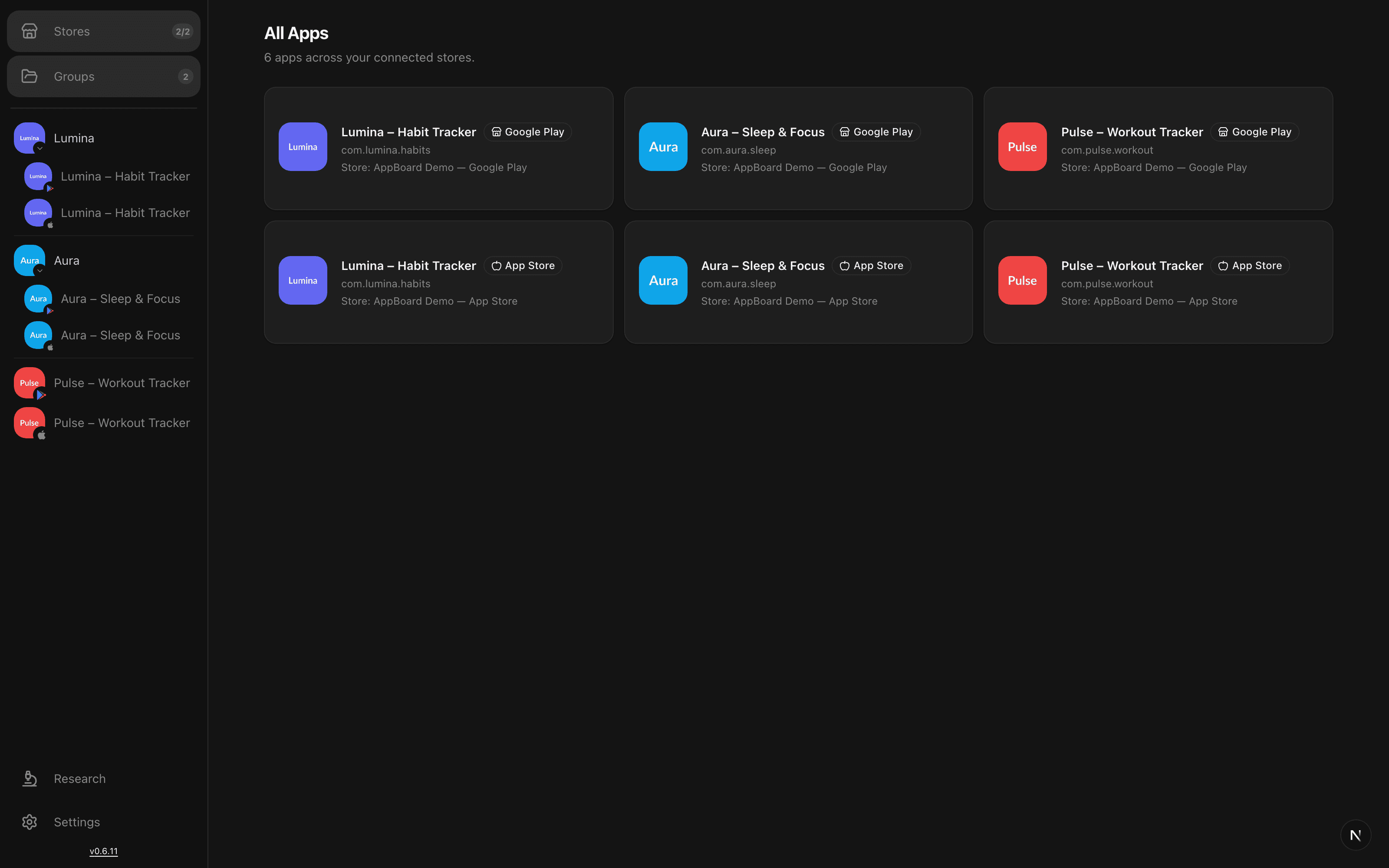
Add an app from its App Store or Google Play page. The listing in every language, screenshots, ratings and reviews come in on their own - no API credentials, no console.
A listing score on what the store really serves, the keywords you can actually win, and text fixes as diffs you accept or reject. The draft never touches the store on its own.
Copy the changes into the console and mark them done, or connect the store API and push both stores in one batch - versioned, one click from a rollback.
Nightly keyword positions with every release and text change marked on the chart, reviews from every storefront in one inbox, and a nudge when a draft sits unpublished.
Inside the panel
One editor
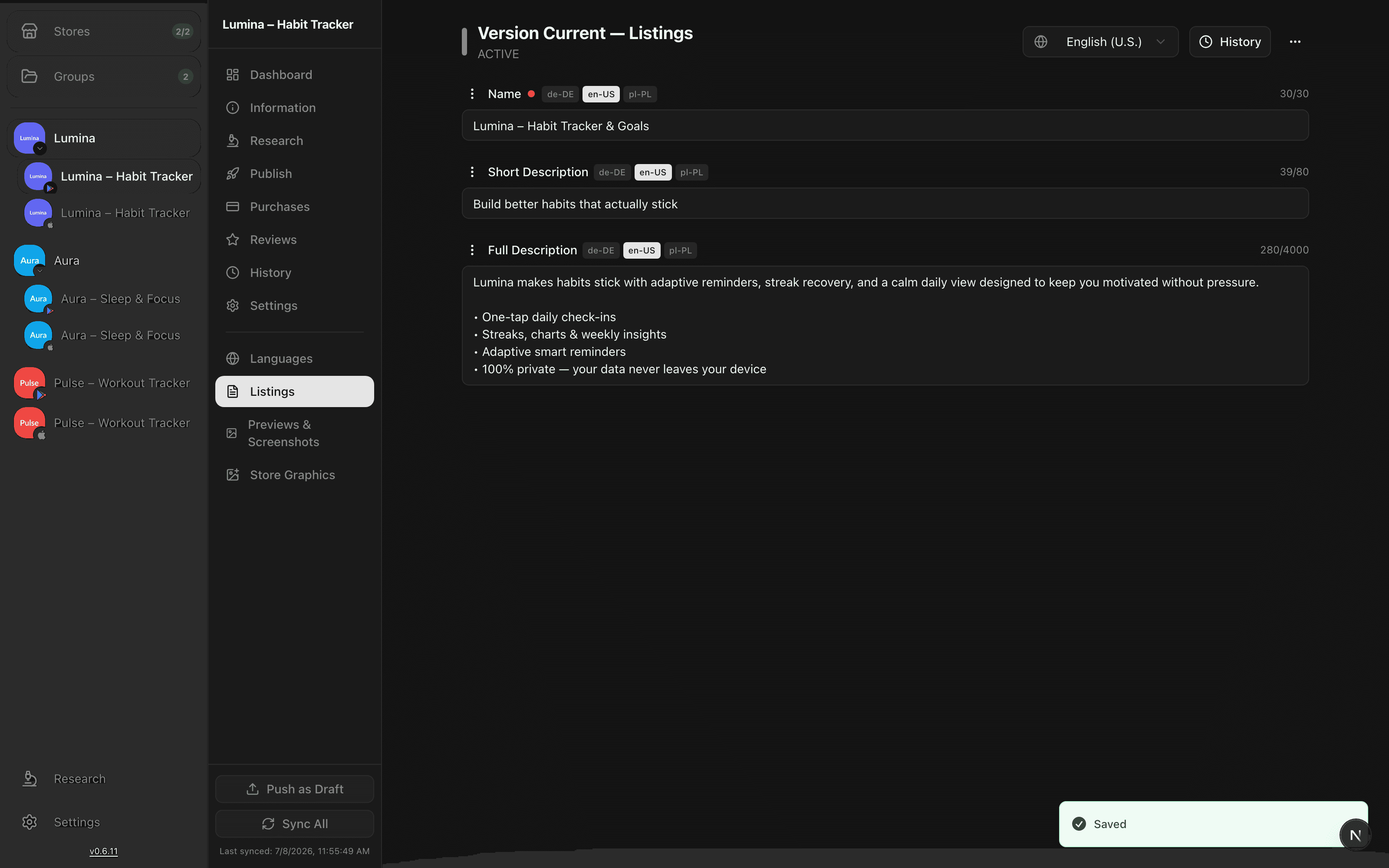
Connect App Store Connect and Google Play once and AppBoard pulls every localization from both stores. From then on the title, subtitle, description, keywords and what's new for every language live in a single editor, as drafts.
Diff before publish
Before anything reaches a store you see a GitHub-style diff: exactly which fields changed, in which language, old value against what is live right now. Then push to both stores from one dashboard and get a per-item report.
Pending changes
3 fields in 2 languages
ENTitle
Lumina - Photo Editor
Lumina: AI Photo Editor
ENSubtitle
Edit your photos fast
Edit photos with AI in seconds
DEKurzbeschreibung
Fotos schnell bearbeiten
Fotos mit KI bearbeiten
AI translation
Translation that understands ASO instead of translating word for word. Titles, subtitles and keywords are localized with your store limits and keyword intent in mind, and brand terms you mark as do-not-translate stay untouched.
Source, English
Lumina: AI Photo Editor
German
Lumina: KI-Fotoeditor
French
Lumina : editeur photo IA
Spanish
Lumina: editor de fotos IA
Every line lands in your draft. You edit and approve before anything is published.
History
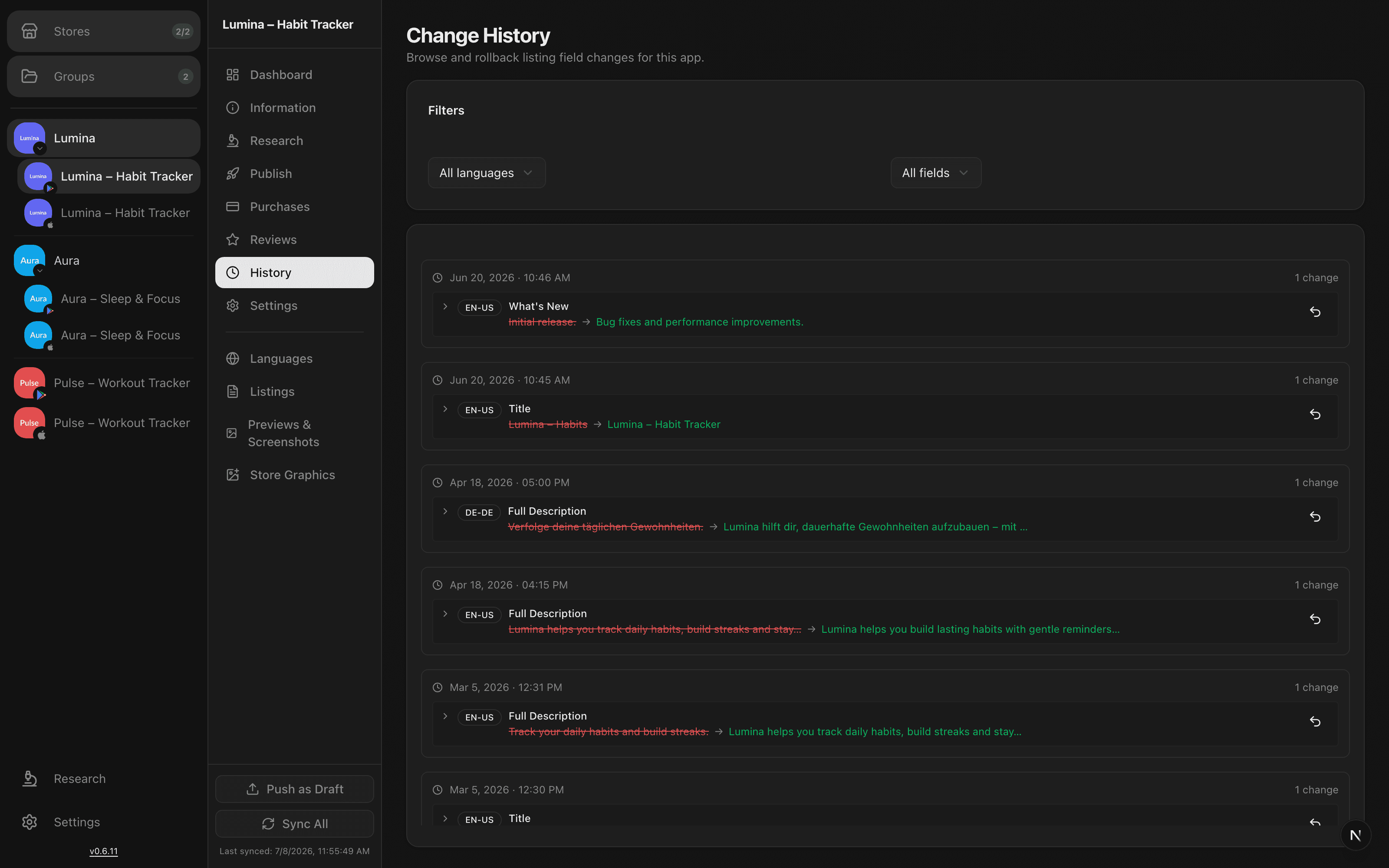
Every published change is recorded per field and per language with a timestamp, so you can answer what did we change in May without scrolling Slack. When an update turns out to be a mistake, one click puts the old value back in your draft.
Screenshots
Screenshots, icons and feature graphics live in one grid, per device and per language. Design them in the built-in editor, tilt a real 3D device, and export at the exact size each store demands. This is the actual editor, recorded in the browser.
Research
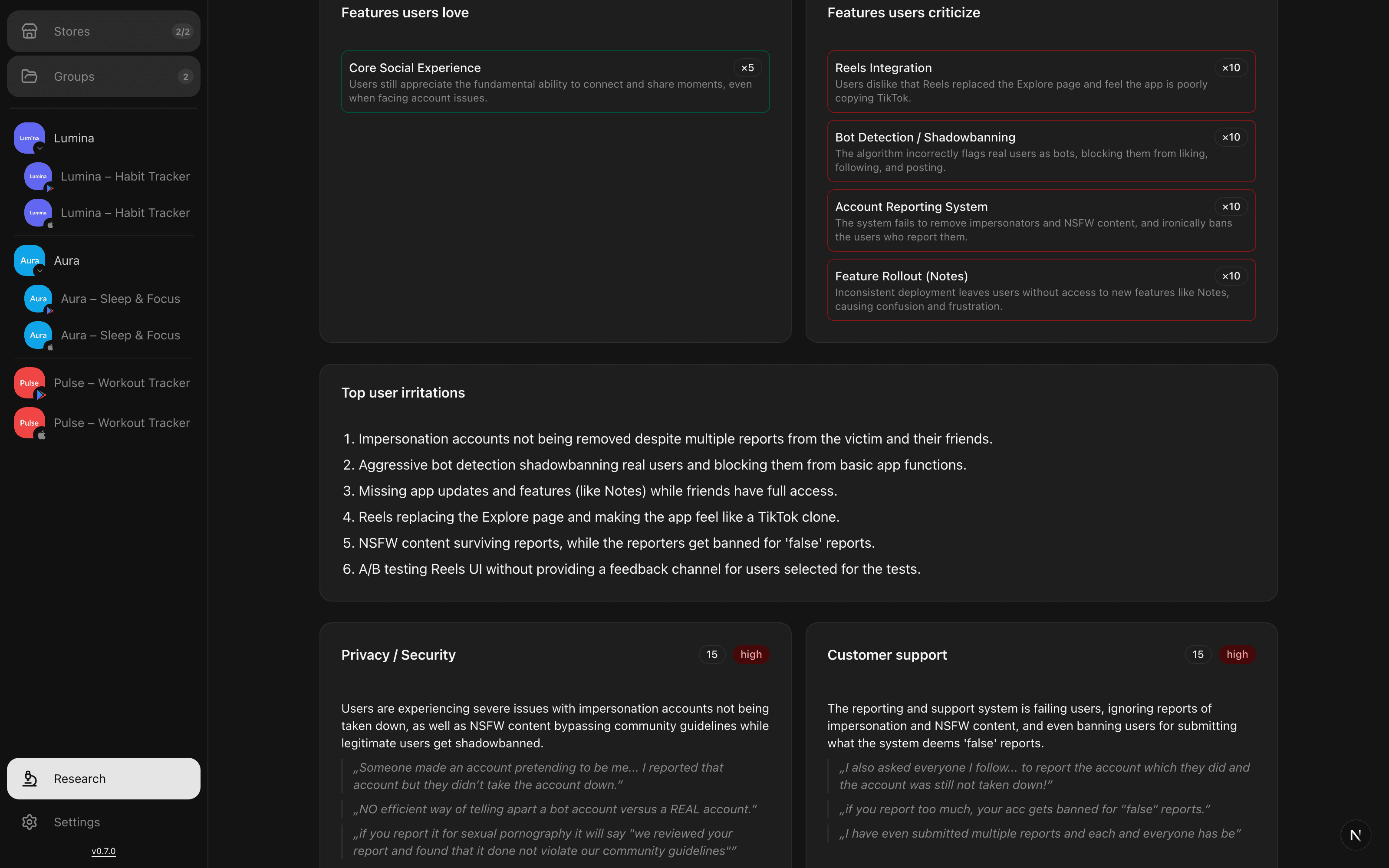
AppBoard reads the reviews for you and groups the complaints into themes, so you learn what keeps breaking without reading hundreds of them. The same research works on competitors, alongside keyword positions and market comparisons.
Features
Free tools
Check any listing, score your keywords and design store screenshots - all in your browser, nothing uploaded, no sign-up. The same engine AppBoard uses inside the panel.
Paste an App Store link: listing score, the keywords you rank for (top 200), the competition and three concrete next steps.
Up to five keywords a day: popularity, difficulty, opportunity and a download estimate for the market you pick.
Templates, real 3D devices, exact store sizes. Export and upload - or open your store screenshots straight from the panel.
Every one of these took under a minute - pick a template, your screenshot stays, the scene changes:
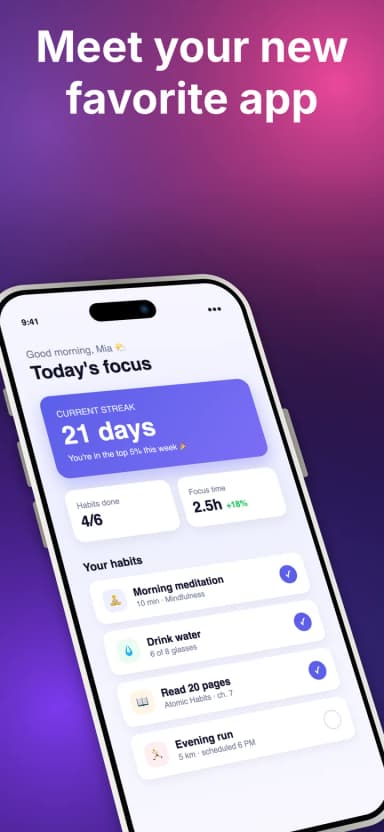
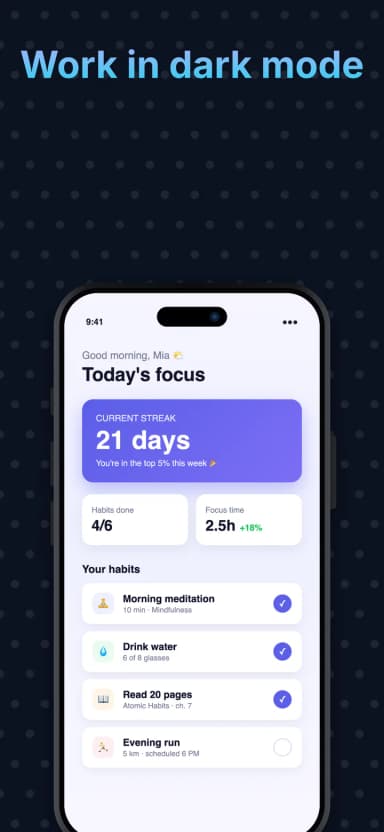
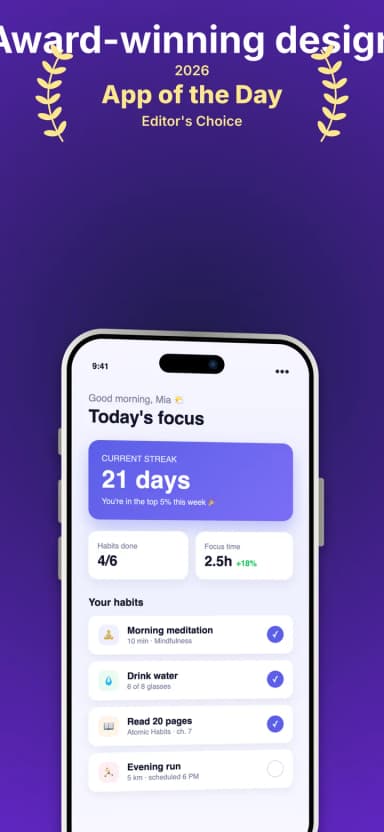
Every plan costs $0 while AppBoard is in beta: no credit card, no feature locks. The Free, Pro and Team tiers are already mapped out, and pricing will be announced well before general availability.
FAQ
No. The live demo is a real AppBoard workspace pre-filled with example apps, reviews and listing history. You can click through everything, with no signup and no store credentials needed.
Your App Store Connect key and Google Play service account live in an end-to-end encrypted vault. They are encrypted with a key derived from your passphrase, so AppBoard's servers never see them in plaintext, and nothing can be published without you unlocking the vault.
No. Everything you edit is a draft until you explicitly publish it. Before publishing you see a per-field, per-language diff of what will change, and every published change is recorded in history with one-click rollback.
Both. AppBoard connects to App Store Connect and Google Play Console, and apps from both stores sit side by side in one workspace, including grouped Android and iOS pairs of the same app.
The App Store and Google Play work today. Huawei AppGallery, Samsung Galaxy Store, Amazon Appstore, Xiaomi GetApps, RuStore and ONE Store are marked coming soon: they are in active development and not released yet, so treat every coming-soon label on this page as exactly that.
AI features run through OpenRouter with your own API key, so you pick the model and pay the provider directly. AI drafts descriptions, translations, keyword ideas and review replies, but nothing is ever sent to a store without your approval.
Yes. AppBoard is an open-source product, and everything runs in the web panel: no desktop app, no plugins, nothing to install. If it works in your browser, it works.
AppBoard is free while in beta. No credit card is required, and you'll be told well in advance before any paid plan is introduced.
More questions answered in the full FAQ and the documentation.
Click into the live demo and poke around a real workspace, or connect your own stores in a few minutes. Free while in beta.